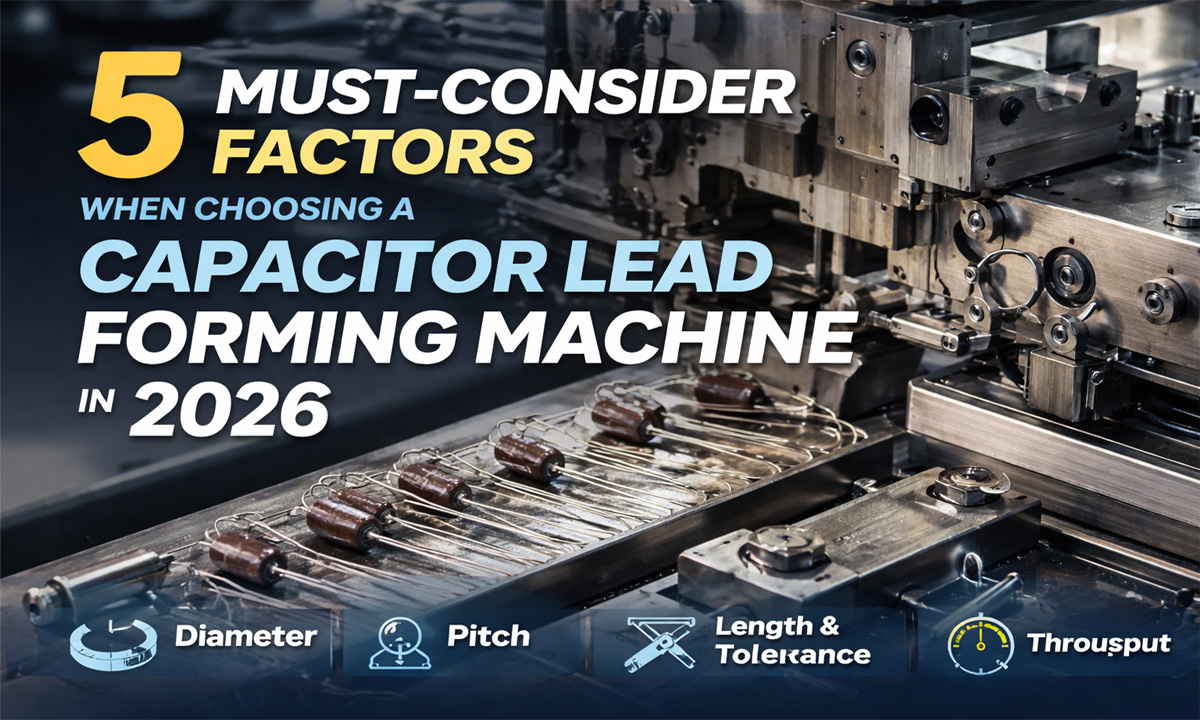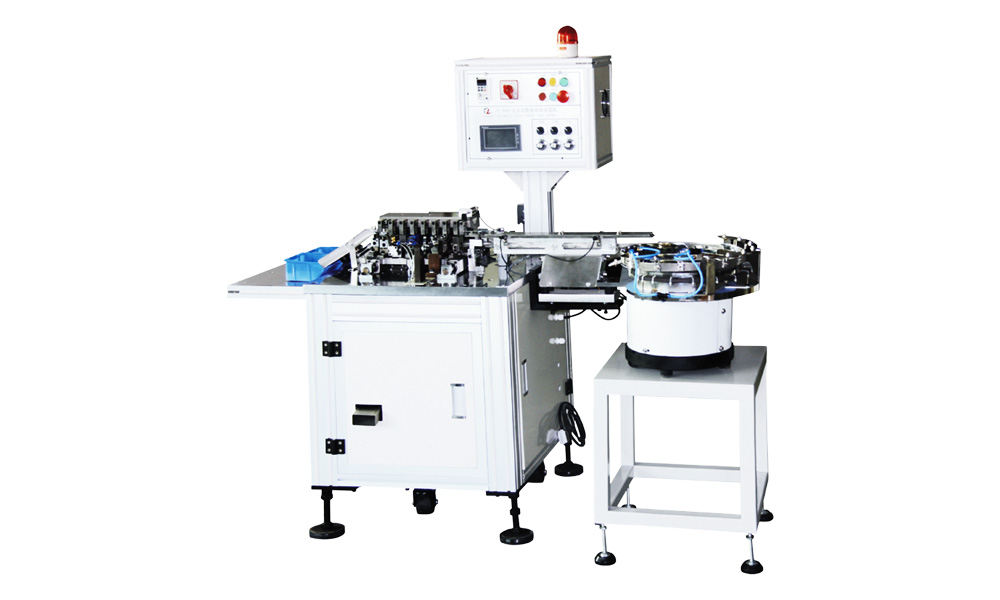

You should pick pcb lead cutting & forming equipment that fits your production goals and PCB types. Automated machines can handle thousands of parts each hour with great accuracy. Automatic systems can lower mistakes by 20% and help your team work together better. Tool compatibility and process needs also affect your choice.
Key Takeaways
- Pick equipment that fits your production needs. Manual tools are good for small jobs, but automatic machines are better for making many PCBs. – Use the right cutting tool for your PCB material. The wrong tool can hurt the PCB and make it look bad. – Think about both speed and quality when picking machines. Fast machines should still make clean cuts and nice-looking leads.
What Is PCB Lead Cutting & Forming Equipment?
Purpose and Importance
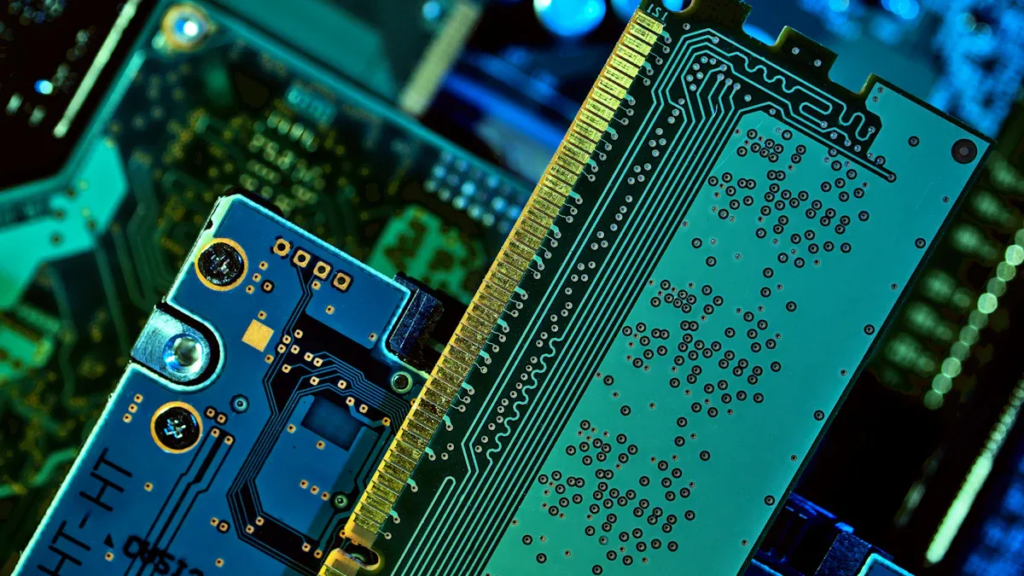
PCB lead cutting & forming equipment helps get electronic parts ready for printed circuit boards. This equipment trims and shapes the leads so they fit into the PCB holes. The right tools let you:
- Cut the leads to the right length.
- Straighten out bends from shipping for easier use.
- Make sure the leads line up with the PCB holes.
- Bend the leads at exact angles and curves.
- Add small bends to protect parts or lift them off the board.
- Keep a safe space between the part and the PCB.
- Help parts stay in place before you solder them.
These steps make putting together PCBs quicker and more dependable. Good equipment also helps stop mistakes when making PCBs.
Impact on Assembly Quality
Using PCB lead cutting & forming equipment makes your assembly better. Leads that are the same length and angle help make strong solder joints. The equipment bends and shapes leads carefully, so parts do not get damaged.
- Leads that are straight and shaped well go in faster and easier.
- Solder joints are stronger and work better.
- There is less chance of parts breaking or getting stressed.
- It is easier to follow safety rules because you control spaces.
- Finished PCBs have fewer hidden problems and last longer.
Tip: The right equipment can help you make more good products and meet tough quality rules.
Lead Forming Techniques and Processes
Axial vs. Radial Methods
There are two main ways to shape leads. These are called axial and radial. Each way shapes the leads for a good fit on your PCB.
- Axial leads go straight through the part’s body. You can shape them for flat or standing mounting. A small bend outside makes a standoff. A tiny bend inside gives a snap-in fit. If you do not bend it, the part sits flat on the board. An upward bend, called a camel hump, helps stop stress on the part.
- Radial leads come out from one side of the part. These are good for parts that stand up on the PCB. Radial forming is fast and keeps parts steady when soldering.
Note: Picking the right way helps match the part to your process. It also makes your assembly stronger.
Common Components Processed
PCB lead cutting & forming equipment works with many electronic parts. These machines cut, shape, and get leads ready for use. Here are some examples:
| Machine Name | Application Description |
|---|---|
| FL-103A Inline PCBA Lead Cutting Machine | Used to trim extra leads from PCBs after soldering. |
| FL-200 Type Fully Automatic PCB Lead Cutting Machine | Used for manually handling smaller PCB boards. |
| FL-621 Fully Automatic Resistor Forming and Welding Machine | Used for forming and welding resistors. |
You can use these machines for through-hole and surface mount parts. Many fields like aerospace, medical, and defense use them for important jobs. The equipment helps shape, cut, and prepare parts to meet strict rules.
Manual vs. Automatic PCB Lead Cutting & Forming Equipment
Manual Equipment: Pros and Cons
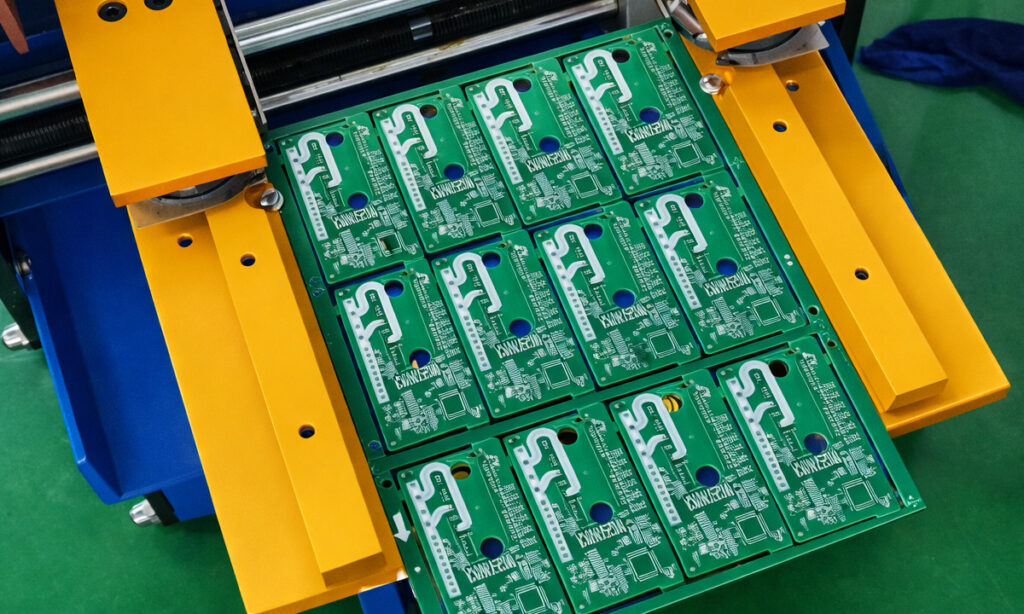
Manual tools let you control how you work. You can change your project fast if you need to. These tools do not cost a lot at the start. They are good for small jobs or special designs. People with skill can put parts in by hand and solder them. Manual equipment is best for making new things or hard projects.
Pros:
- You can change designs easily.
- It does not cost much to begin.
- Works well for small jobs or custom work.
- Skilled people can do hard tasks.
Cons:
- It takes longer and needs more work.
- Quality can be different with each person.
- People make mistakes more often.
- Learning to use the tools takes time.
Tip: Manual pcb lead cutting & forming equipment is good when you need to change things often and do not make many boards.
Semi-Automatic and Automatic: Pros and Cons
Semi-automatic and automatic machines help you work faster. These machines have smart features like two blades and speed controls. You can cut many PCBs in just a few minutes. The edges are straight and smooth. Machines keep your work the same every time and stop mistakes. They can cut many lead lengths very exactly, even as close as ±0.05mm. This means you fix less and your work is better.
Best Use Cases:
- Making lots of boards at once.
- Jobs that must look the same every time.
- When you need to finish fast.
Advantages:
- Fast and the same results each time.
- Fewer mistakes and less waste.
- Quality stays the same.
Limitations:
- Costs more to buy and set up.
- Not easy to change quickly.
- Needs people who know how to use them.
Note: Pick automatic systems if you want to make many boards fast and need every board to be the same.
Key Selection Factors for PCB Lead Cutting & Forming Equipment
Automation Level and Production Volume
You should match the automation level of your equipment to your production needs. If you make only a few boards each day, manual tools may work best. These tools let you change designs quickly and cost less to start. If you need to make hundreds or thousands of boards, automatic machines save time and keep quality steady. Semi-automatic machines give you a balance between speed and control. They work well for medium-sized jobs.
Think about how many boards you want to make each week or month. High-volume production needs fast machines that can run all day. Automatic systems can cut and form leads with the same shape every time. This helps you avoid mistakes and keeps your products looking the same. If you plan to grow your business, choose equipment that can handle more work in the future.
Tip: Always check if the equipment can meet your future goals, not just your current needs.
Cutting Tool Compatibility
Choosing the right cutting tool is important for good results. Different PCB materials need different tools. For example, FR-4 boards are hard and can wear out blades quickly. Flexible PCBs need gentle handling to avoid damage. You should pick a blade that matches the board material. This helps you avoid chipping and too much heat.
- FR-4 boards are tough and need strong, sharp blades.
- Flexible boards need soft cutting tools or laser cutters.
- Laser cutting works well for fine details and does not stress the board.
- Water jet systems cut without heat, which helps with heat-sensitive boards.
- Always check the board’s material before you pick a tool.
- Keep at least 1.6 mm (63 mils) between boards or cutouts to stop cracks.
- Think about how the board will be made and used when you choose your tool.
If you use the wrong tool, you may see rough edges, cracks, or broken boards. Good tool choice keeps your boards strong and clean.
Speed, Accuracy, and Quality
Speed, accuracy, and quality matter when you pick pcb lead cutting & forming equipment. Fast machines help you finish more boards in less time. You must also check if the machine keeps the cuts clean and the leads shaped right. If you go too fast, you may lose some quality. Edges can get rough, and parts may not fit well.
Here is a table that shows how speed can affect quality:
| Attribute | If You Go Faster | What May Happen to Quality |
|---|---|---|
| Line/trace precision | Use bigger features | Less detail, lower performance |
| Layer registration & alignment | Less setup time | Misplaced holes, more defects |
| Edge finish | Less care, faster cutting | Rough edges, cracks, more damage |
| Testing | Less time for checks | More failures, shorter product life |
You should find a balance between speed and quality. For high-end products, accuracy and clean edges matter most. For simple boards, you may accept a little less detail to save time.
Note: Always check if the equipment meets industry standards like ISO 9001, IPC-A-600, or IPC-A-610. These rules help you make safe and reliable boards.
Step-by-Step Equipment Selection Guide
Define Requirements
Start by listing what you need from your equipment. Think about the types of PCBs you make, the parts you use, and the number of boards you want to finish each week. Write down your goals for speed, quality, and cost. You should also consider the space in your workshop and the skills of your team.
- List the main types of components you process, such as resistors, capacitors, or connectors.
- Decide if you need to cut and form leads for through-hole or surface mount parts.
- Set your target for how many boards you want to produce each day or month.
- Check if you need special features, like the ability to handle delicate or heat-sensitive boards.
- Think about your budget for both buying and maintaining the equipment.
Tip: Test the equipment on your actual PCBs before you buy. This helps you see if it meets your needs and works well with your parts.
Match Automation Level
Choose the right level of automation for your production. Manual, semi-automatic, and automatic machines each fit different jobs. Use these steps to match the automation level to your needs:
- Check how many boards you need to make. Manual tools work best for small batches or custom jobs. Automatic machines suit high-volume production.
- Look at the inspection features. High-end systems use cameras to spot tiny errors, like soldering problems or misplaced parts.
- Measure the speed and accuracy. Fast machines should still keep cuts clean and leads shaped right.
- Review the software and data options. Good machines let you track results and connect with other systems.
- Think about the total cost. Include the price to buy, set up, and keep the machine running.
- Ask about training and support. Good vendors offer help and free replacement parts during the warranty.
You should always test the machine before you buy. This shows you how it works with your boards and helps you avoid mistakes.
The three most important inspection steps are: checking solder paste, doing a first manual check of parts, and using automated optical inspection for placement and solder joints.
Evaluate Flexibility and Future Needs
Pick equipment that can grow with your business. You may need to change your process or add new parts in the future. Flexible machines let you switch between different jobs without much downtime. Look for features that make it easy to adjust settings or change tools.
- Choose machines that can handle a wide range of component sizes and shapes.
- Make sure you can upgrade the software or add new features later.
- Ask about the warranty and support. Most suppliers give a one-year warranty and offer free replacement parts or online help.
| Supplier | Warranty Options | Technical Support |
|---|---|---|
| Auto Type LED Resistor Cutting Forming Machine | 1-year warranty | Free replacement parts, online technical support |
| iTECH CUT-A200 Semi Automatic PCB Lead Cutting Machine | 1-year warranty | Parts for repair or replacement for defective items |
| Lead forming Custom Applications | 1-year warranty | Not specified |
Note: Good support and a strong warranty help you solve problems fast and keep your line running.
When you follow these steps, you can choose pcb lead cutting & forming equipment that fits your needs now and supports your growth in the future.
Quick Comparison Table
Picking the right PCB lead cutting and forming equipment can be tricky. You might want to see the main differences quickly. The table below helps you compare manual, semi-automatic, and automatic choices.
| Equipment Type | Training Requirements | Key Considerations |
|---|---|---|
| Manual | Needs more hands-on training for quality and management | Frequent changes mean more training and higher management costs. Quality can vary. |
| Semi-Automatic | Some training on machine operation and safety | Offers more features and better performance for bigger jobs. |
| Automatic | Training on software and automation processes | Less hands-on work, but you must understand automation and system controls. |
Tip: Automatic machines need less watching, but you must learn their software.
Maintenance and Cost Differences
- Manual equipment is cheaper to buy and set up. You pay less at first, but you might lose time and accuracy.
- Semi-automatic machines have more features and give better results. They are good for big jobs or hard designs.
- Automatic equipment costs more at the start. Over time, you save money because you need fewer workers and waste less material. These machines work faster and make fewer mistakes. You must take care of them to stop breakdowns.
Long-Term Savings
- Spending more at first can save you money later.
- Automation lowers labor costs and makes work faster.
- Less waste means you spend less on materials.
You can use this table and list to help pick the best equipment for your needs. Think about your budget, your team’s skills, and how many boards you want to make.
When you pick PCB lead cutting and forming equipment, think about a few main things. Make sure the machines work with your parts and how many you need to make. Choose the right amount of automation and check if the tools fit your needs. Good motion control and strong checks help you get the quality you want. Look at the guide and table to help you choose. If you are not sure, ask someone who knows for help.
FAQ
What is the main benefit of automatic PCB lead cutting equipment?
Automatic machines work quickly and give steady results. They help you make fewer mistakes and finish big jobs faster.
Can you use one machine for different component types?
Some machines can handle many kinds of parts. Make sure the machine fits different sizes and shapes before you buy it.
How often should you maintain your equipment?
- Check and clean your equipment once a week.
- Change old blades or broken parts right away if you see trouble.